

Tutorial: moving average ribbon
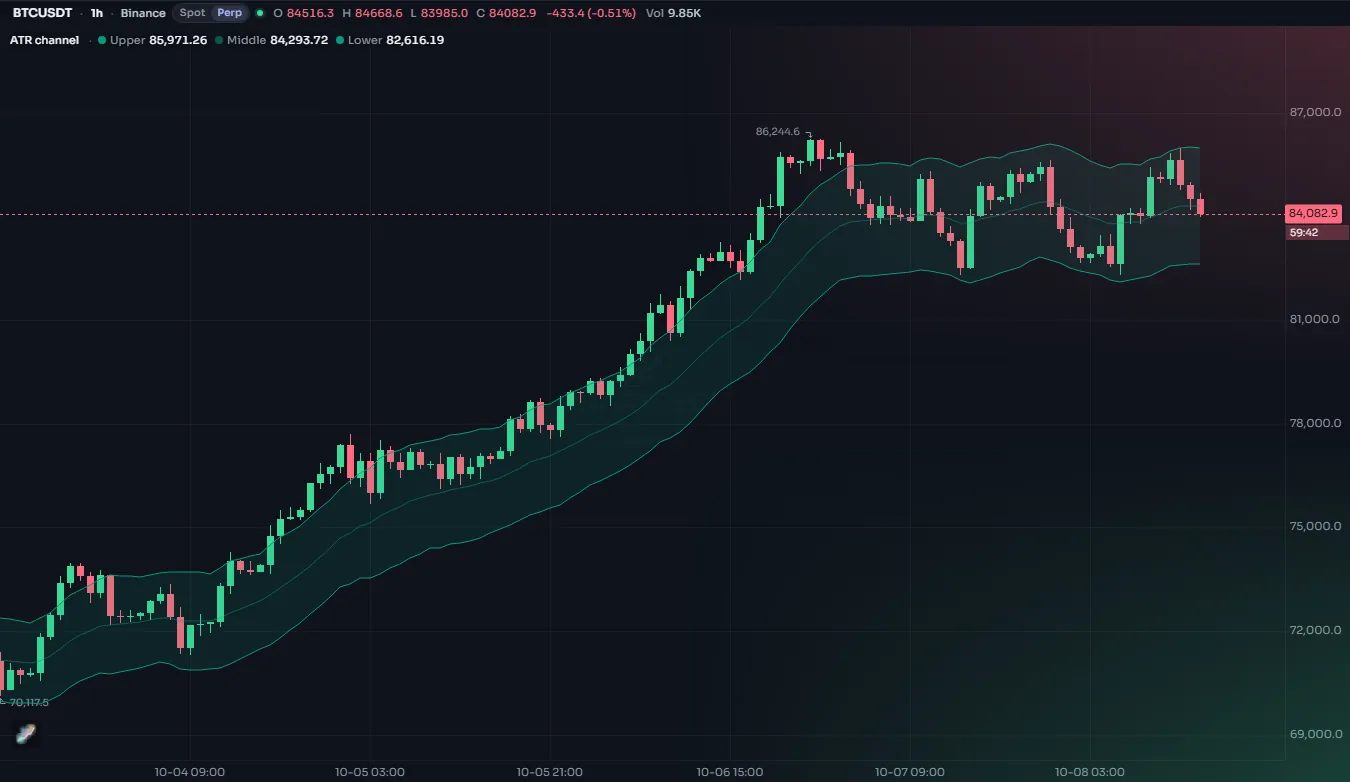
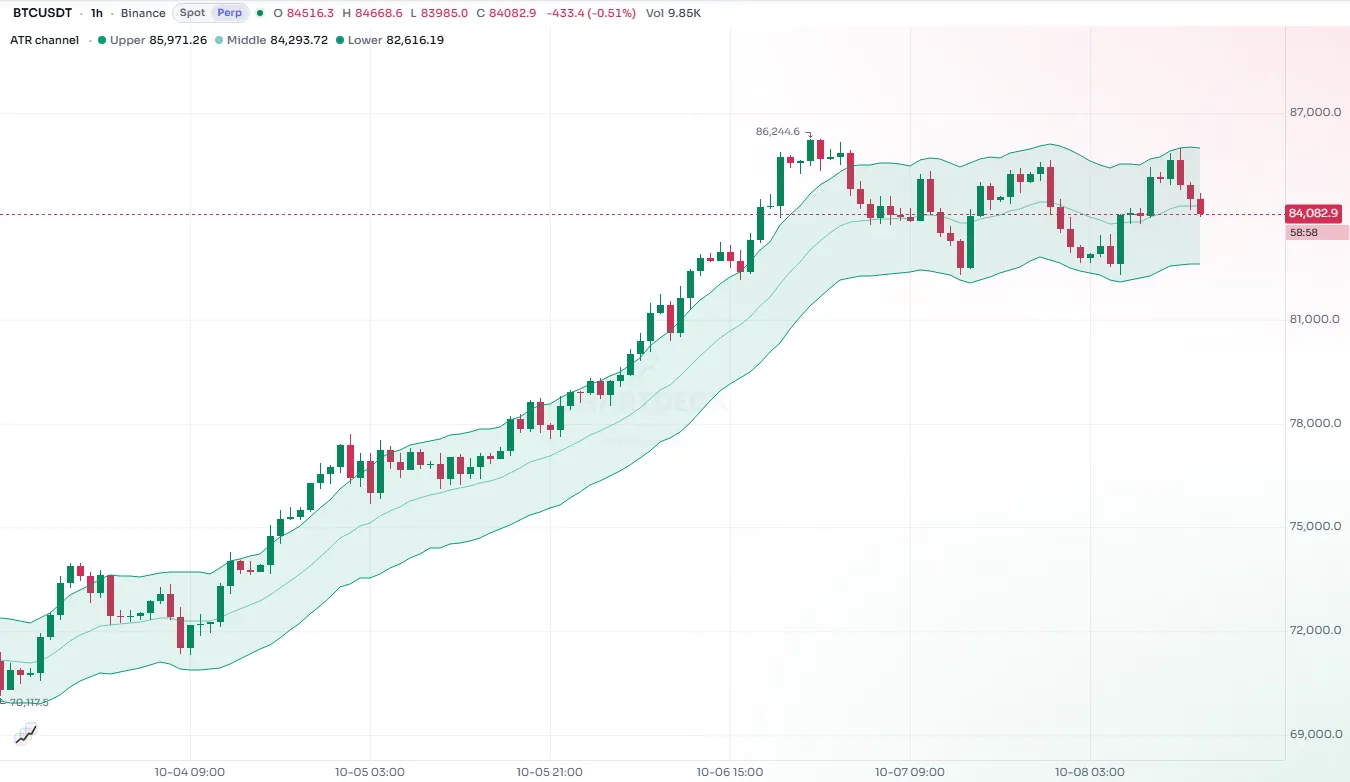
Build a ribbon of five EMAs over the price, filled between the outer lines and colored green, red or gray by how the averages are stacked.
A moving average ribbon draws several averages of different lengths at once. When the market trends, the averages fan out in order, fastest nearest the price; when it ranges, they tangle together. Seeing the whole fan is often easier to read than any single line.
In this tutorial you build a ribbon of five EMAs, fill the space between the outer two, and color the whole ribbon by trend: green when the averages are stacked for an uptrend, red when they are stacked for a downtrend, gray when they are mixed.
#The finished script
//@chartscript 1
indicator("Moving average ribbon", { shorttitle: "Ribbon", overlay: true })
const src = input.source(close, "Source")
const len1 = input.int(10, "EMA 1", { minval: 1 })
const len2 = input.int(20, "EMA 2", { minval: 1 })
const len3 = input.int(30, "EMA 3", { minval: 1 })
const len4 = input.int(40, "EMA 4", { minval: 1 })
const len5 = input.int(50, "EMA 5", { minval: 1 })

const e1 = ta.ema(src, len1)
const e2 = ta.ema(src, len2)
const e3 = ta.ema(src, len3)
const e4 = ta.ema(src, len4)
const e5 = ta.ema(src, len5)

// stacked fastest-on-top = uptrend, fastest-at-bottom = downtrend, anything else = mixed
const bull = e1 > e2 && e2 > e3 && e3 > e4 && e4 > e5
const bear = e1 < e2 && e2 < e3 && e3 < e4 && e4 < e5
const trendCol = bull ? color.up : bear ? color.down : color.muted

const p1 = plot(e1, "EMA 1", trendCol, 2)
plot(e2, "EMA 2", color.new(trendCol, 20))
plot(e3, "EMA 3", color.new(trendCol, 40))
plot(e4, "EMA 4", color.new(trendCol, 55))
const p5 = plot(e5, "EMA 5", color.new(trendCol, 70))
fill(p1, p5, color.new(trendCol, 85), "Ribbon fill")#Walk-through
#Inputs
const src = input.source(close, "Source")
const len1 = input.int(10, "EMA 1", { minval: 1 })
input.source lets the user pick which price to average: close, open, hl2 and so on. Each length is its own input, so the ribbon can be tuned from the settings dialog. The five lengths do not have to be evenly spaced; the defaults (10 to 50 in steps of 10) are just a reasonable start.
#The averages
const src = input.source(close, "Source")
const e1 = ta.ema(src, 10)
const e2 = ta.ema(src, 20)
plot(e1)
plot(e2)
ta.ema is called once per average. Each call keeps its own running state from bar to bar, which is why you write one call per line rather than reusing one: five calls means five independent averages.
#The trend condition
const e1 = ta.ema(close, 10)
const e2 = ta.ema(close, 20)
const e3 = ta.ema(close, 30)
const bull = e1 > e2 && e2 > e3
const bear = e1 < e2 && e2 < e3
const trendCol = bull ? color.up : bear ? color.down : color.muted
plot(e1, "Fast", trendCol)
A clean uptrend puts the fastest average on top and each slower one below it. bull checks every neighboring pair with &&, so it is true only when the whole stack is in order. bear is the mirror image. Most of the time neither is true, and that is information too: the market has no clear direction, and the ribbon turns gray.
The color is picked with two conditional operators in a row: "if bull, green; otherwise if bear, red; otherwise gray". You could write the same thing with if and a variable, but for choosing a value the ?: chain is shorter and easy to read.
color.up, color.down and color.muted are theme colors, so the ribbon looks right on dark and light charts and in the color-blind look without any extra work. See Colors.
#Plots that fade outwards
const e1 = ta.ema(close, 10)
const e5 = ta.ema(close, 50)
const trendCol = e1 > e5 ? color.up : color.down
const p1 = plot(e1, "EMA 1", trendCol, 2)
const p5 = plot(e5, "EMA 5", color.new(trendCol, 70))
color.new takes a color and a transparency from 0 (solid) to 100 (invisible). Making each slower line more transparent draws the eye to the fast line and lets the slow ones sit in the background. Because trendCol changes from bar to bar, so do all the faded versions of it.
plot returns a plot handle. You only need to keep it (const p1 = plot(...)) when something else refers to that plot, and here that something is the fill.
#The fill
const p1 = plot(ta.ema(close, 10), "Fast")
const p5 = plot(ta.ema(close, 50), "Slow")
fill(p1, p5, color.new(color.accent, 85), "Ribbon fill")
fill shades the space between two plots. Transparency 85 keeps the candles visible through it. Like the lines, the fill color can change on every bar, so it turns red, green or gray with the ribbon. The Fills page shows the other forms, including fills between levels and gradient fills.
#Things to know
- Warm-up. An EMA needs some bars before it settles. The slowest line starts later than the others, and in the first part of the chart the ribbon is gray more often simply because not all averages exist yet.
- Lag. Every moving average lags the price. The ribbon tells you what has been happening, not what will happen next. A stacked ribbon often appears well after a move has started.
- It is a picture, not a signal. The green and red states are a handy summary. Before you trade on them, look at how often they flip in a sideways market on your timeframe.
#Try this
- Change the lengths to 8, 13, 21, 34 and 55 and compare the look.
- Replace
ta.emawithta.smaand see how the ribbon gets smoother but slower. - Add
bgcolor(bull ? color.new(color.up, 92) : na)to tint the background in a clean uptrend. See Background color. - Use one
input.intfor the first length and another for the step, and compute the five lengths from them, like the EMA ribbon starter does with a small functionconst ribbon = (i) => ta.ema(src, base + i * step). - Add an alert when the ribbon turns green:
alert.on(bull && !bull[1], "Ribbon up", "{{ticker}} ribbon stacked up"). See Alerts.