

Tutorial: RSI divergence marks
An RSI in its own pane with levels and a shaded band, plus triangle marks where simple pivot-based bullish and bearish divergences are confirmed.
A divergence is when price and an oscillator disagree. Price makes a lower low, but RSI makes a higher low: selling is losing strength (a bullish divergence). Or price makes a higher high while RSI makes a lower high: buying is losing strength (a bearish divergence).
In this tutorial you draw RSI in a pane of its own with 70 / 50 / 30 levels, then find turning points (pivots) on the RSI and mark the places where a simple divergence appears. The rules are deliberately simple so you can see exactly what they do, and the page ends with what they cannot do.
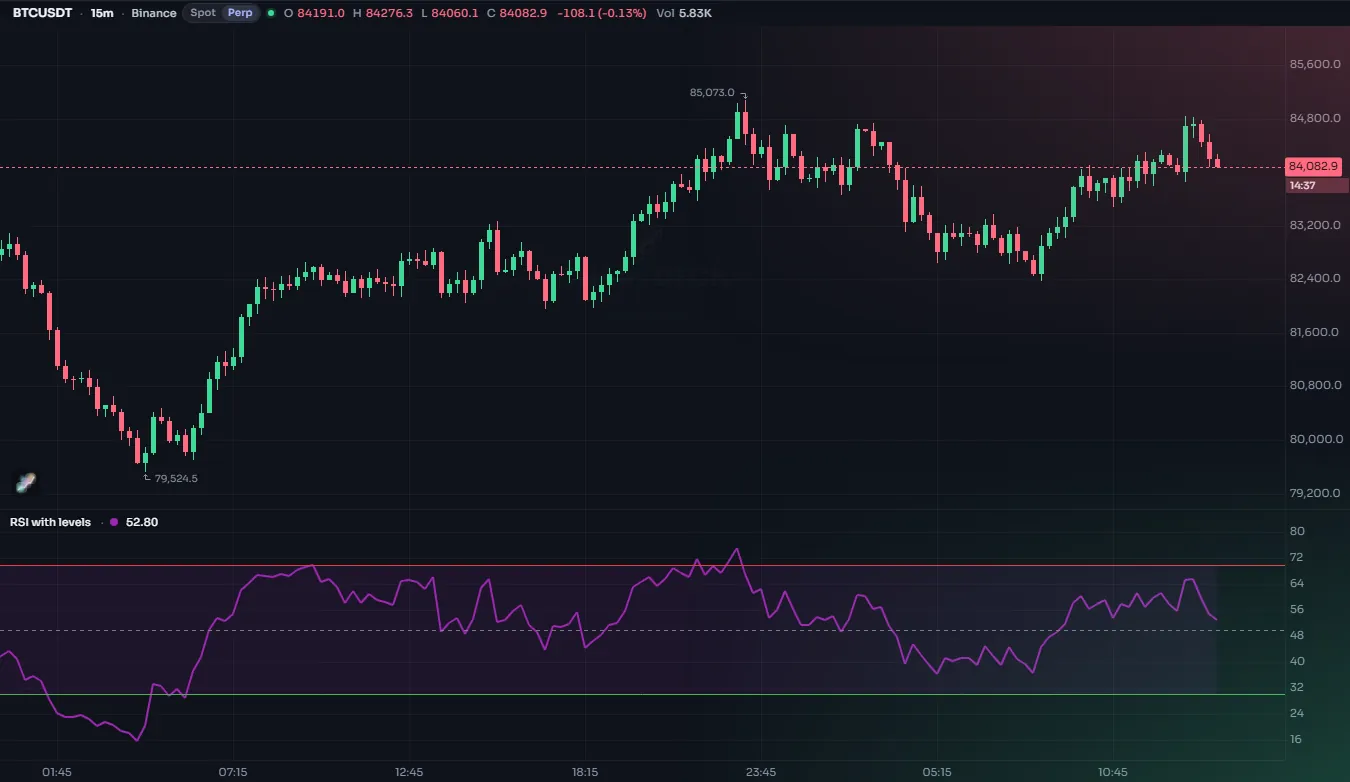
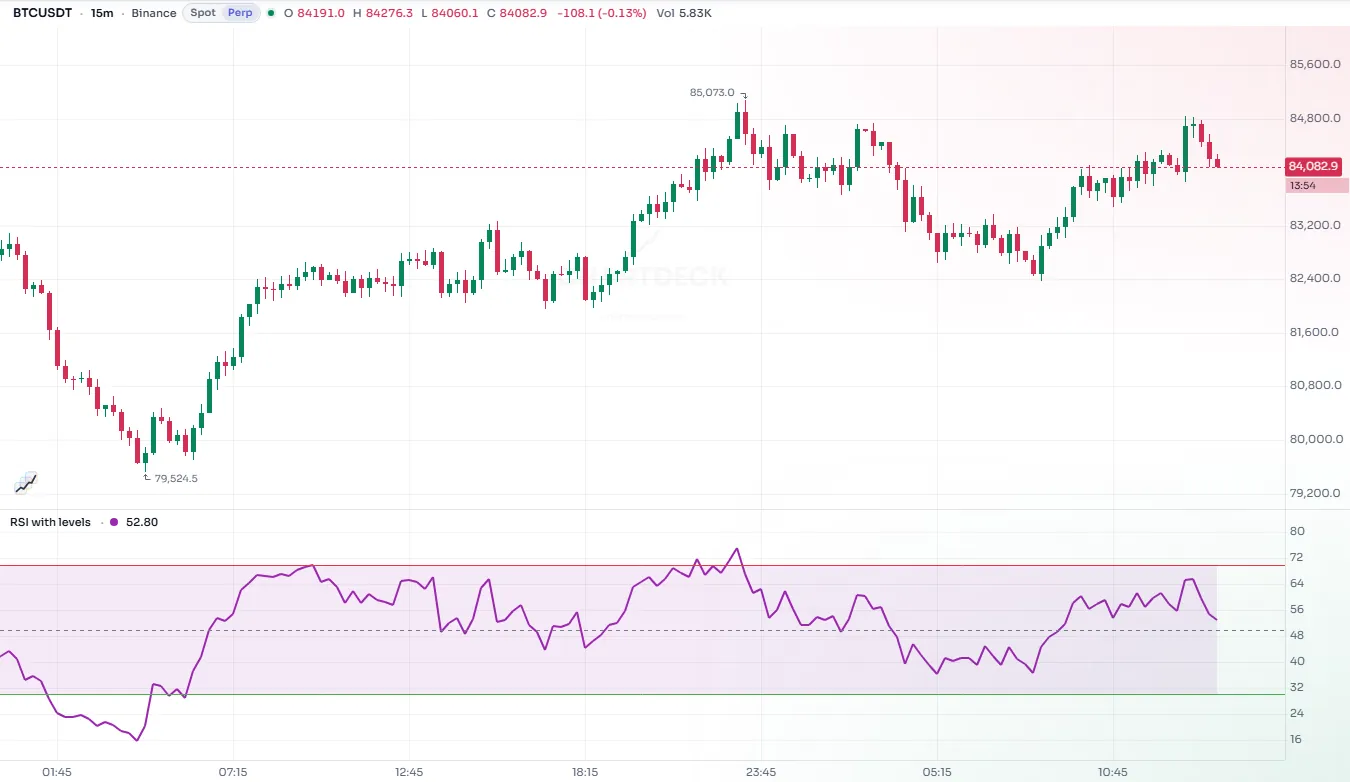
#The finished script
//@chartscript 1
indicator("RSI divergence marks", { shorttitle: "RSI div", overlay: false, precision: 2 })
const len = input.int(14, "RSI length", { minval: 1 })
const src = input.source(close, "Source")
const lb = input.int(5, "Pivot: bars on the left", { minval: 1 })
const rb = input.int(5, "Pivot: bars on the right", { minval: 1 })
const maxGap = input.int(60, "Most bars between two pivots", { minval: 2 })

const r = ta.rsi(src, len)

// the oscillator, its levels and a shaded middle band
plot(r, "RSI", color.purple, 2)
const upper = hline(70, "Upper", color.muted, hline.style_dashed)
const lower = hline(30, "Lower", color.muted, hline.style_dashed)
fill(upper, lower, color.new(color.purple, 92), "Band")
hline(50, "Middle", color.muted, hline.style_dotted)

// pivots of the RSI: known only rb bars after they happen
const pl = ta.pivotlow(r, lb, rb)
const ph = ta.pivothigh(r, lb, rb)
const isLow = !na(pl)
const isHigh = !na(ph)

// the previous pivot of each kind: its RSI, its price and its bar
const prevLowRsi = ta.valuewhen(isLow, r[rb], 1)
const prevLowPrice = ta.valuewhen(isLow, low[rb], 1)
const prevLowBar = ta.valuewhen(isLow, bar_index - rb, 1)
const prevHighRsi = ta.valuewhen(isHigh, r[rb], 1)
const prevHighPrice = ta.valuewhen(isHigh, high[rb], 1)
const prevHighBar = ta.valuewhen(isHigh, bar_index - rb, 1)

// bullish: price makes a lower low, RSI a higher low; bearish: the mirror image
const bullDiv = isLow && low[rb] < prevLowPrice && r[rb] > prevLowRsi && bar_index - rb - prevLowBar <= maxGap
const bearDiv = isHigh && high[rb] > prevHighPrice && r[rb] < prevHighRsi && bar_index - rb - prevHighBar <= maxGap

plotshape(bullDiv, "Bullish divergence", shape.triangleup, location.bottom, color.up, { offset: -rb, size: size.small })
plotshape(
    bearDiv,
    "Bearish divergence",
    shape.triangledown,
    location.top,
    color.down,
    { offset: -rb, size: size.small }
)

alert.on(bullDiv, "Bullish divergence", "{{ticker}} RSI bullish divergence confirmed")
alert.on(bearDiv, "Bearish divergence", "{{ticker}} RSI bearish divergence confirmed")#Walk-through
#The oscillator pane
//@chartscript 1
indicator("RSI pane", { overlay: false, precision: 2 })
const r = ta.rsi(close, 14)
plot(r, "RSI", color.purple, 2)
const upper = hline(70, "Upper", color.muted, hline.style_dashed)
const lower = hline(30, "Lower", color.muted, hline.style_dashed)
fill(upper, lower, color.new(color.purple, 92), "Band")
hline(50, "Middle", color.muted, hline.style_dotted)
overlay: false puts the script in its own pane, which suits RSI because its values run from 0 to 100, nowhere near the price. precision: 2 shows two decimals in the legend.
hline draws a horizontal level at a fixed value. Like plot, it returns a handle, and fill can shade between two hline handles. The levels are fixed numbers on purpose: an hline price must be a constant or an input, never a value that changes from bar to bar. See Levels.
#Finding pivots
const r = ta.rsi(close, 14)
const pl = ta.pivotlow(r, 5, 5)
plot(r, "RSI")
plotshape(!na(pl), "Pivot low", shape.circle, location.bottom, color.up, { offset: -5 })
ta.pivotlow(source, leftbars, rightbars) looks for a value that is lower than the leftbars values before it and the rightbars values after it. ta.pivothigh does the same for highs.
The key point: a pivot can only be known after the bars on its right have closed. With rightbars at 5, the low on bar 100 is reported on bar 105. On every other bar the function returns na, so !na(pl) is true exactly on the bars where a pivot has just been confirmed. On those bars the pivot itself is rb bars back, which is why the script reads r[rb], low[rb] and high[rb]: the [n] operator reads a value n bars ago.
#Remembering the previous pivot
const r = ta.rsi(close, 14)
const isLow = !na(ta.pivotlow(r, 5, 5))
const prevLowRsi = ta.valuewhen(isLow, r[5], 1)
plot(prevLowRsi, "Previous pivot low")
To compare two pivots you need the one before the current one. ta.valuewhen(condition, source, occurrence) returns the value source had the last time condition was true. Occurrence 0 is the most recent time, 1 the time before that. On a bar where a new pivot is confirmed, occurrence 0 is this new pivot and occurrence 1 is the previous one, which is exactly what you want.
The script keeps three things about the previous pivot: its RSI, its price and its bar number. The bar number is there for the maxGap rule below.
#The divergence rules
const bullDiv = isLow && low[rb] < prevLowPrice && r[rb] > prevLowRsi && bar_index - rb - prevLowBar <= maxGapRead it piece by piece:
isLow: a pivot low of the RSI has just been confirmed;low[rb] < prevLowPrice: at that pivot, price made a lower low than at the previous one;r[rb] > prevLowRsi: but RSI made a higher low;bar_index - rb - prevLowBar <= maxGap: and the two pivots are no more thanmaxGapbars apart. Without this, the script would happily compare a pivot with one from months earlier, which rarely means anything.
bearDiv is the mirror image with highs.
#Placing the marks in the past
const r = ta.rsi(close, 14)
const rb = input.int(5, "Pivot: bars on the right", { minval: 1 })
const isLow = !na(ta.pivotlow(r, 5, rb))
plot(r, "RSI")
plotshape(isLow, "Pivot low", shape.triangleup, location.bottom, color.up, { offset: -rb, size: size.small })
plotshape draws a shape on every bar where its condition is true. location.bottom and location.top pin the shape to the bottom or top of the pane, so the marks never cover the RSI line.
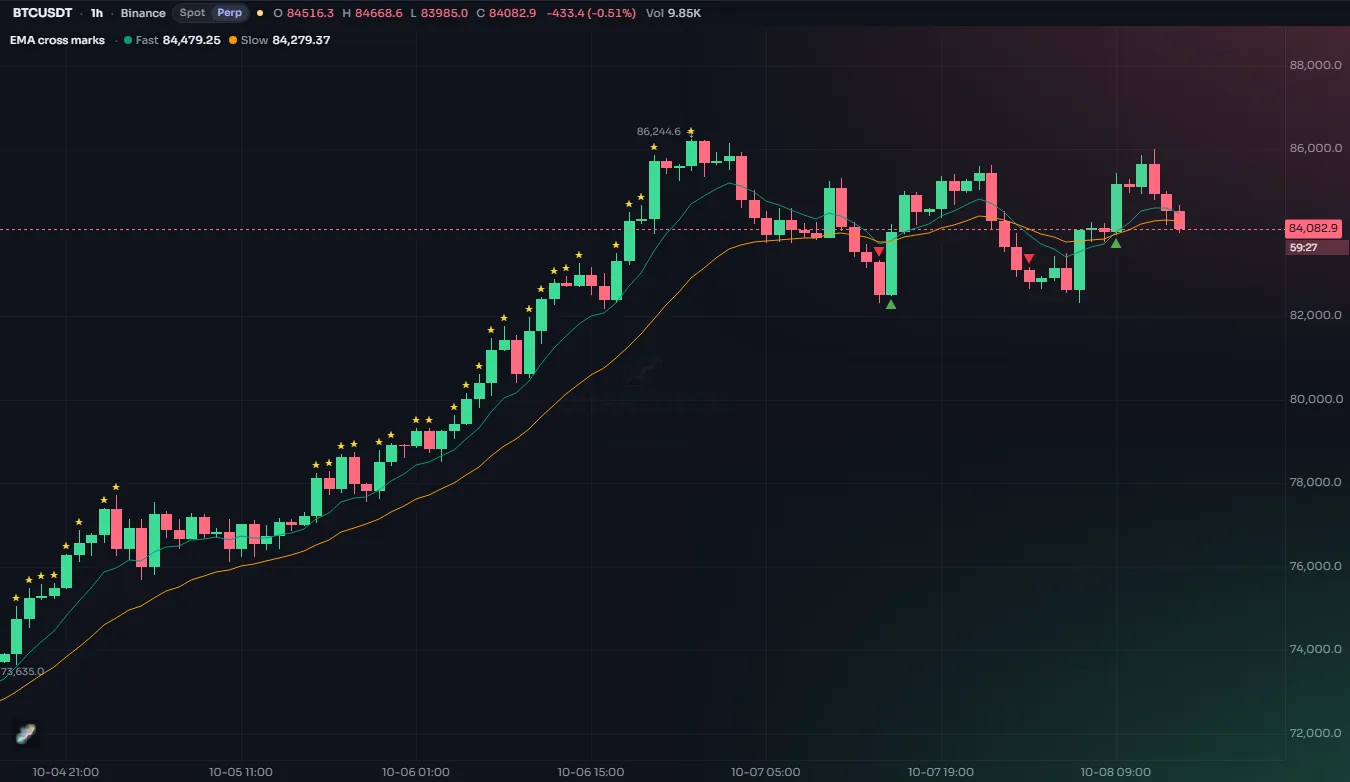
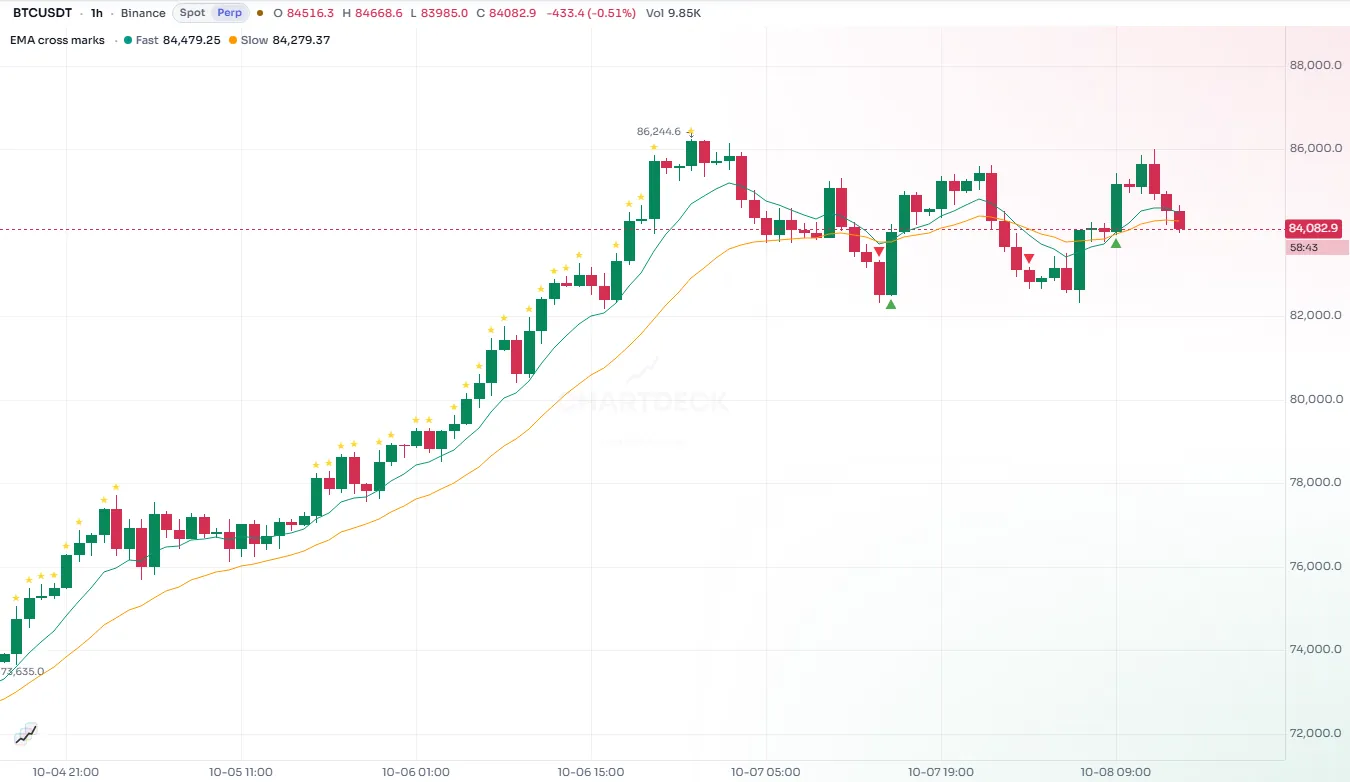
offset: -rb moves the shapes rb bars to the left, so each triangle sits under the pivot it belongs to rather than on the bar where it was confirmed. The offset may come from an input, as here. See Text and shapes.
#The alerts
alert.on(bullDiv, "Bullish divergence", "{{ticker}} RSI bullish divergence confirmed")alert.on adds a named condition to the Create alert dialog. It fires on the bar where the divergence is confirmed, which is rb bars after the pivot. The message says "confirmed" for that reason. See Alerts.
#Limitations (read these)
- The marks arrive late. A divergence is only known
rbbars after the pivot. The triangle is drawn back on the pivot so the picture is tidy, but on a live chart it appearsrbbars later than where you see it. Looking back at history, it is easy to forget this and think the signal came earlier than it did. Smallerrbmeans earlier marks and more false pivots. - Only neighboring pivots are compared. A divergence between a pivot and the one two pivots back is not found.
- Pivots are found on the RSI, prices are read at the same bar. The lowest price may sit a bar or two away from the RSI's low. A more careful version would search for the price low near each RSI pivot.
- No filter on where RSI is. Many people only count a bullish divergence when the RSI low is under 30 or 40. Adding that is one more
&&. - A divergence is not a reversal. In a strong trend, RSI can diverge many times while price keeps going. Treat the marks as a prompt to look closer, not as a signal by themselves.
#Try this
- Only count bullish divergences with the RSI low under 40: add
&& r[rb] < 40tobullDiv. Do the mirror for bearish ones. - Mark the pivots themselves with small circles (the fragment in "Finding pivots" shows how) to see which pairs were compared.
- Find hidden divergences (price makes a higher low while RSI makes a lower low) by flipping the two comparisons, and plot them in a different color.
- Draw a line on the RSI from the previous pivot to the new one when a divergence is confirmed, using
line.newwithprevLowBarandbar_index - rb.