

Tutorial: volume spikes
A volume histogram colored by bar direction, its moving average, highlighted spikes and alert conditions that fire when volume jumps.
Unusual volume often comes before or with a big move: a liquidation cascade, news, a breakout. In this tutorial you build a volume pane that makes such bars stand out:
- a column for each bar's volume, green on up bars and red on down bars;
- a moving average of volume, so "normal" is visible;
- spikes (volume well above the average) drawn in full color, with a dot above them, and ordinary bars faded;
- two alert conditions, one for spikes on up bars and one for spikes on down bars.
#The finished script
//@chartscript 1
indicator("Volume spikes", { overlay: false, format: format.volume })
const maLen = input.int(20, "Average length", { minval: 1 })
const mult = input.float(2.0, "Spike = average x", { minval: 1, step: 0.1 })

const avgVol = ta.sma(volume, maLen)
const isUp = close >= open
const spike = volume > avgVol * mult

// strong colour on a spike, faint otherwise; green for up bars, red for down bars
const baseCol = isUp ? color.up : color.down
const volCol = spike ? baseCol : color.new(baseCol, 65)

plot(volume, "Volume", volCol, { style: plot.style_columns })
plot(avgVol, "Average", color.orange, 2)
plot(avgVol * mult, "Spike level", color.muted, 1, plot.style_stepline)
plotshape(spike, "Spike", shape.circle, location.top, baseCol, { size: size.tiny })

alert.on(spike && isUp, "Buying spike", "{{ticker}} volume spike on an up bar ({{volume}})")
alert.on(spike && !isUp, "Selling spike", "{{ticker}} volume spike on a down bar ({{volume}})")#Walk-through
#The declaration
indicator("Volume spikes", { overlay: false, format: format.volume })Volume has nothing to do with the price scale, so the script gets its own pane. format: format.volume shows the values in the legend in the short form used for large volume numbers, as the official OBV script does.
#What "normal" is
const maLen = input.int(20, "Average length", { minval: 1 })
const avgVol = ta.sma(volume, maLen)
plot(avgVol, "Average", color.orange, 2)
volume is the bar's traded volume, in the market's base units. The 20-bar simple average of it is a fair, simple measure of how busy the market usually is at this timeframe. A spike is then defined relative to that: volume > avgVol * mult. With mult at 2.0, a bar is a spike when it trades more than twice the recent average.
Why relative and not a fixed number? Because "a lot of volume" means something very different on a large coin and a small one, and on a 1-minute chart and a daily chart. A ratio works everywhere.
#Color by direction, strength by spike
const isUp = close >= open
const spike = volume > ta.sma(volume, 20) * 2
const baseCol = isUp ? color.up : color.down
const volCol = spike ? baseCol : color.new(baseCol, 65)
plot(volume, "Volume", volCol, { style: plot.style_columns })
isUp is true when the bar closed at or above its open. The color is picked in two steps: first the direction (baseCol), then the strength. color.new(baseCol, 65) is the same color at 65% transparency, so ordinary bars fade back and spikes keep full color. Splitting it into two named steps keeps each line easy to read.
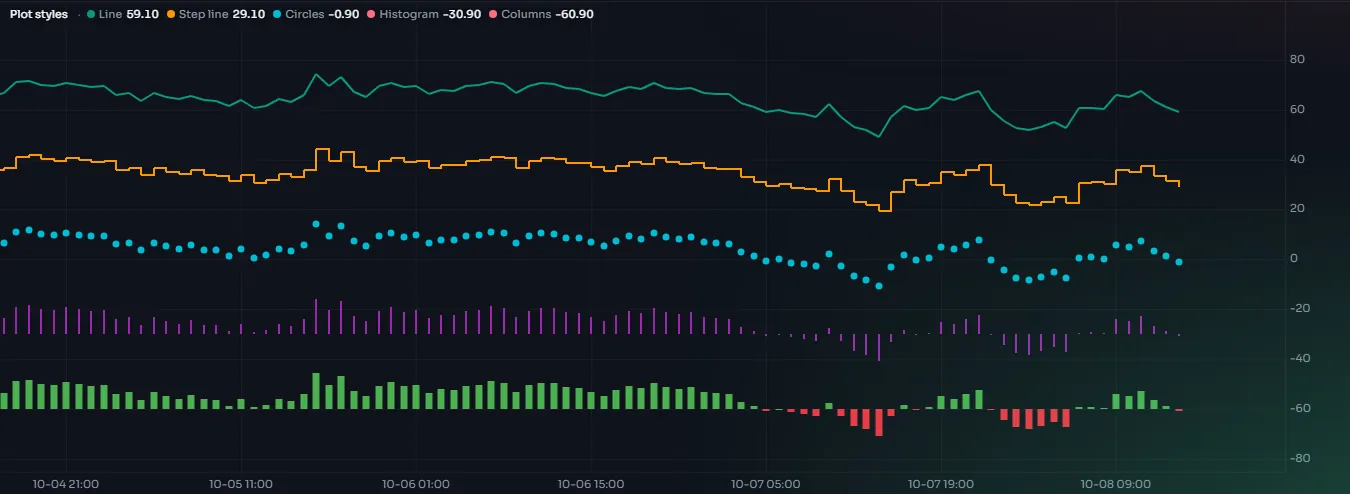
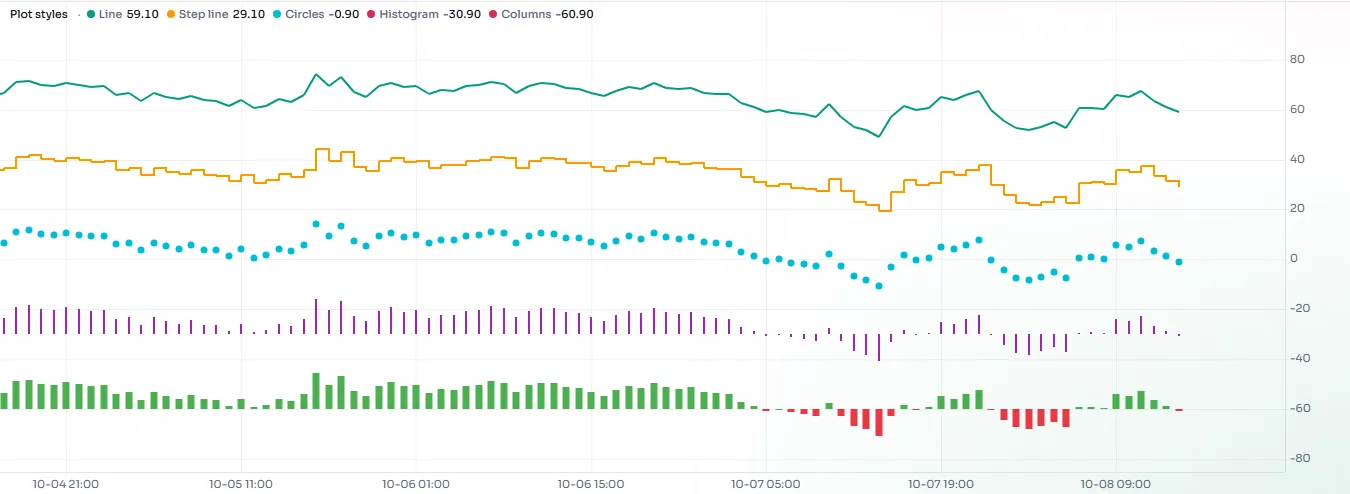
style: plot.style_columns draws one column per bar from zero up to the value. The Plots page shows every style.
#The spike level and the dots
const avgVol = ta.sma(volume, 20)
const spike = volume > avgVol * 2
plot(avgVol * 2, "Spike level", color.muted, 1, plot.style_stepline)
plotshape(spike, "Spike", shape.circle, location.top, color.accent, { size: size.tiny })
Plotting avgVol * mult as a thin step line shows the threshold itself, so you can see how close a bar came. You can switch it off on the Style tab if it is too busy.
plotshape with location.top puts a small dot at the top of the pane above every spike, which is easy to spot even when the pane is short.
#The alerts
const spike = volume > ta.sma(volume, 20) * 2
const isUp = close >= open
alert.on(spike && isUp, "Buying spike", "{{ticker}} volume spike on an up bar ({{volume}})")
alert.on declares a named condition. It does not send anything by itself: once the script is on a chart, the conditions appear in Create alert, and you choose there which ones to turn into real alerts.
alert.onmust be written at the top level of the script, not inside anifor a loop. Combine the conditions with&&instead, as here.- By default the condition is checked when the bar closes. Volume only grows during a bar, so on the live bar a spike that is not a spike yet may become one later; checking at the close avoids alerts that change their mind. The alert dialog can also check on the live bar, with a warning.
{{ticker}}and{{volume}}are placeholders filled in when the alert fires. See Alerts for the full list.
#Things to know
- Volume differs between venues. Each venue reports its own volume, so the same coin can show different spikes on two exchanges. Compare like with like.
- The live bar. The current bar's volume keeps growing until it closes. Its column will rise, and it can cross the spike level part-way through the bar.
- The first bars. Until
maLenbars exist, the average isna, so no bar counts as a spike there.
#Try this
- Make the multiple adapt: spikes at
2.0on a 1-hour chart may be too many on a 1-minute chart. Try3.0there. - Use an EMA of volume (
ta.ema) instead of the SMA and compare which bars count. - Tint the pane's background on spike bars with
bgcolor:bgcolor(spike ? color.new(baseCol, 85) : na). - Count spikes in a row with a
statecounter, as the Up-bar streak starter counts up bars, and mark three spikes in a row differently. - Show the ratio instead of the raw volume:
plot(volume / avgVol, "Volume ratio", volCol, { style: plot.style_columns })with anhline(mult)at the spike level.