

Tutorial: session high and low
Track the high and low of each day, or of a trading session you choose, with state variables, and draw them as lines with price labels.
Yesterday's high and today's low so far are levels many traders watch. In this tutorial you track the high and low of each period (a day by default) as the bars come in, and draw them on the chart: one pair of lines per period, growing to the right as the period goes on, and two labels with the current values. At the end you change it to follow a trading session, such as the hours a stock exchange is open, instead of a whole day.
Along the way you meet the two tools this kind of script needs: state variables, which remember a value from bar to bar, and drawings (lines and labels), which you create once and then update.
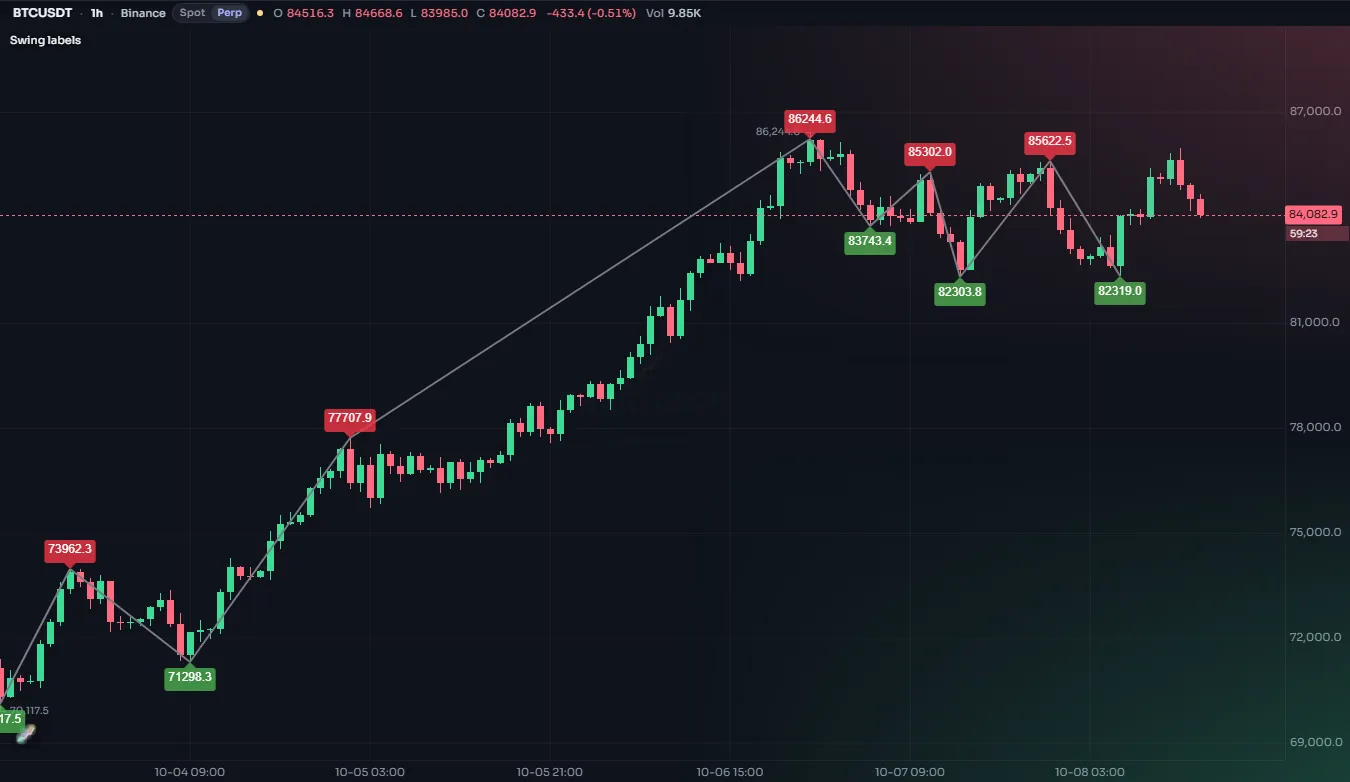
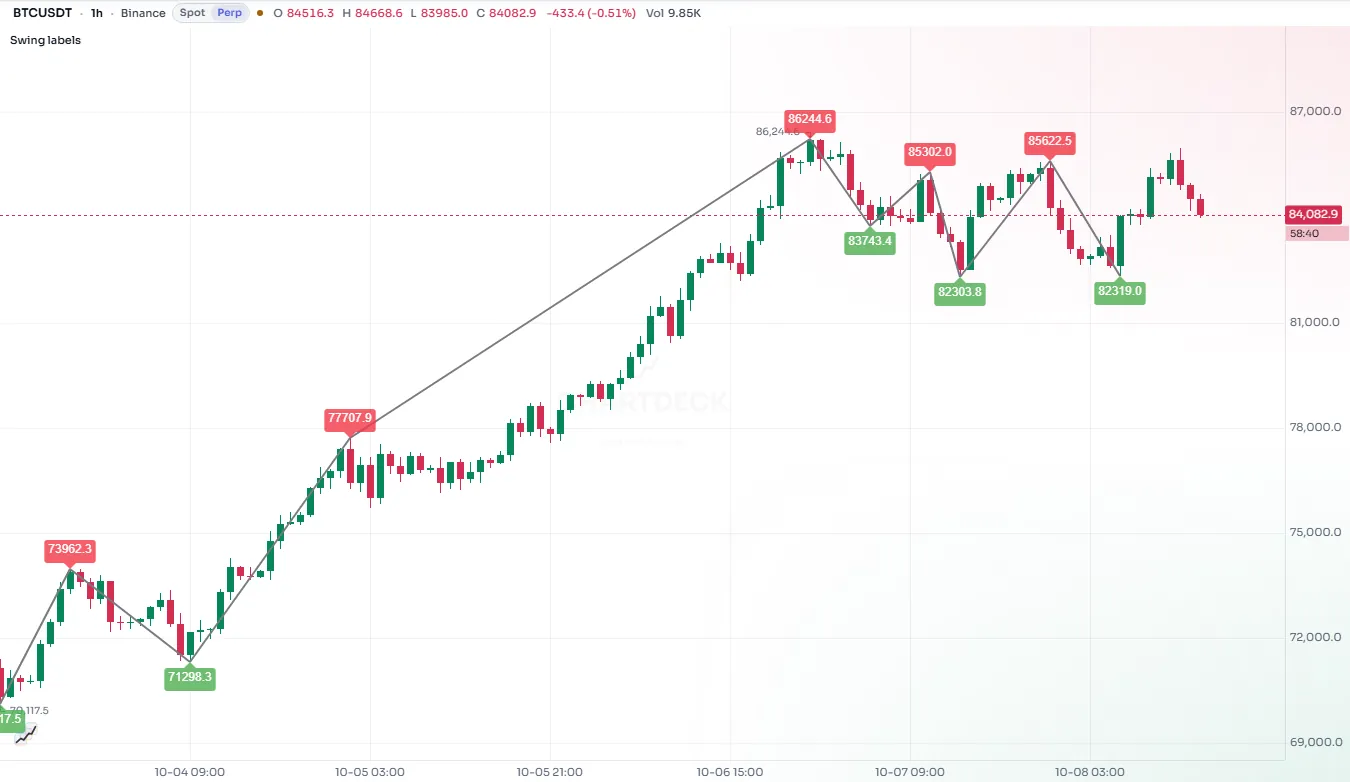
#The finished script
//@chartscript 1
indicator("Day high and low", { shorttitle: "Day H/L", overlay: true, max_lines_count: 200 })
const period = input.timeframe("1D", "Period")
const hiCol = input.color(color.teal, "High colour")
const loCol = input.color(color.orange, "Low colour")
const showLabels = input.bool(true, "Show price labels")

// var: these keep their value from one bar to the next
state hi: float = na
state lo: float = na
state hiLine: line = na
state loLine: line = na
state hiLabel: label = na
state loLabel: label = na

if (timeframe.change(period) || na(hi)) {
    // a new period: start again from this bar, with a new pair of lines
    hi = high
    lo = low
    hiLine = line.new(bar_index, hi, bar_index, hi, { color: hiCol, width: 2 })
    loLine = line.new(bar_index, lo, bar_index, lo, { color: loCol, width: 2 })
} else {
    hi = math.max(hi, high)
    lo = math.min(lo, low)
}

// stretch this period's lines to the current bar, at the high and low so far
line.set_y1(hiLine, hi)
line.set_xy2(hiLine, bar_index, hi)
line.set_y1(loLine, lo)
line.set_xy2(loLine, bar_index, lo)

// one pair of labels for the whole chart, moved along with the newest bar
if (showLabels) {
    if (na(hiLabel)) {
        hiLabel = label.new(
            bar_index,
            hi,
            "",
            { color: hiCol, style: label.style_label_left, textcolor: color.white, size: size.small }
        )
        loLabel = label.new(
            bar_index,
            lo,
            "",
            { color: loCol, style: label.style_label_left, textcolor: color.white, size: size.small }
        )
    }
    label.set_xy(hiLabel, bar_index, hi)
    label.set_text(hiLabel, "High " + str.tostring(hi, format.mintick))
    label.set_xy(loLabel, bar_index, lo)
    label.set_text(loLabel, "Low " + str.tostring(lo, format.mintick))
}#Walk-through
#Inputs
input.timeframe gives a timeframe picker, so the same script can track days, 4-hour blocks or weeks. input.color adds a color swatch to the settings, and input.bool a check box. See Inputs.
#Remembering values with state
state hi: float = na
hi = na(hi) ? high : math.max(hi, high)
plot(hi, "Highest high so far")
Normally every variable in a script is worked out again from scratch on each bar: a const or let starts over on every bar. A variable declared with state is different: it is set once, on the first bar, and after that it keeps whatever value you last gave it. That is exactly what a running high needs. hi = … (without const, let or state in front) assigns a new value to the variable that already exists.
The type comes after the name (state hi: float = na) because the first value, na, does not say what type the variable will hold. The drawings are declared the same way: state hiLine: line = na is a variable that will hold a line.
#Starting a new period
const newDay = timeframe.change("1D")
bgcolor(newDay ? color.new(color.accent, 80) : na)
timeframe.change(period) is true on the first bar of each new period of that timeframe. On that bar the script resets hi and lo to the bar's own high and low and creates a new pair of lines. On every other bar it widens them with math.max and math.min.
The || na(hi) part handles the very first bar of the chart, which is usually in the middle of a day: without it, nothing would be tracked or drawn until the first new day began.
Choose a period longer than the chart's timeframe. On a daily chart, "1D" changes on every bar, so each "period" is a single bar.
#Lines you create once and then update
state hiLine: line = na
if (timeframe.change("1D") || na(hiLine)) {
    hiLine = line.new(bar_index, high, bar_index, high, { color: color.teal, width: 2 })
}
line.set_xy2(hiLine, bar_index, high)
line.new(x1, y1, x2, y2) draws a line between two points. By default x is a bar number (bar_index) and y a price. The new line starts as a single point on the first bar of the period.
On every bar after that, line.set_y1 and line.set_xy2 move the line: the right end goes to the current bar and both ends go to the high so far. So the line grows to the right and steps up whenever a new high is made.
Why create a line only once per period instead of on every bar? Every line.new makes another drawing, and a script has a budget of them: 50 lines by default. When the budget is full, the oldest line is removed to make room. This script sets max_lines_count: 200 in indicator(...), enough for 100 periods of two lines each. You can raise it as far as 1,000. See Drawings and Limits.
#Labels that follow the newest bar
label.new places a text label at a bar and price. label.style_label_left draws a label whose pointer is on its left side, so it sits just to the right of the point.
The script keeps only one pair of labels for the whole chart. It makes them the first time (if (na(hiLabel))), then on every bar moves them with label.set_xy and rewrites their text with label.set_text. On history this happens bar after bar, so when the script reaches the newest bar the labels end up beside it, showing the current period's values.
str.tostring(hi, format.mintick) turns the price into text rounded to the market's tick size, so it looks like the prices on the scale.
#A trading session instead of a day
Crypto markets trade around the clock, but you may care about a part of the day, for example the hours when the US stock market is open. This version tracks the high and low inside a session you set, and shades the session's bars:
//@chartscript 1
indicator("Session high and low", { shorttitle: "Sess H/L", overlay: true, max_lines_count: 200 })
const sess = input.session("1330-2000", "Session (UTC)")

const inSession = !na(time(timeframe.period, sess))

state hi: float = na
state lo: float = na
state hiLine: line = na
state loLine: line = na

if (inSession && (!inSession[1] || na(hi))) {
    hi = high
    lo = low
    hiLine = line.new(bar_index, hi, bar_index, hi, { color: color.teal, width: 2 })
    loLine = line.new(bar_index, lo, bar_index, lo, { color: color.orange, width: 2 })
} else if (inSession) {
    hi = math.max(hi, high)
    lo = math.min(lo, low)
    line.set_y1(hiLine, hi)
    line.set_xy2(hiLine, bar_index, hi)
    line.set_y1(loLine, lo)
    line.set_xy2(loLine, bar_index, lo)
}

bgcolor(inSession ? color.new(color.accent, 94) : na, { title: "Session" })
What is different:
input.sessiontakes a time range written"HHMM-HHMM", in UTC. The default1330-2000covers the US stock market's hours while daylight saving time is in effect; change it to suit.time(timeframe.period, sess)returns the bar's time when the bar is inside the session, andnawhen it is outside. So!na(...)is a simple "is this bar in the session?" test.- A session starts on a bar that is in the session when the bar before it was not (
!inSession[1]). Thena(hi)test again covers a chart that begins in the middle of a session. - Outside the session, nothing is updated, so the lines stop at the session's last bar.
bgcolortints the session's bars. See Background color and Sessions.
#Things to know
- The newest values move. On the live bar, the current period's high and low change as the price moves. Past periods are final.
- Old lines disappear. With more periods on the chart than the line budget allows, the oldest lines are removed. Raise
max_lines_countif you scroll back far. - Label text is plain text. It cannot contain links or formatting codes.
#Try this
- Extend only the current period's lines to the right edge of the chart with
line.set_extendandextend.right. Set the previous pair back toextend.nonewhen a new period starts. - Draw the previous period's high and low as dotted lines across the current period: keep them in two more
statevariables of typefloatwhen the period changes, and usestyle: line.style_dotted. - Show the period's range in the label:
str.tostring(hi - lo, format.mintick). - Add
alert.onconditions for a close above the previous period's high.